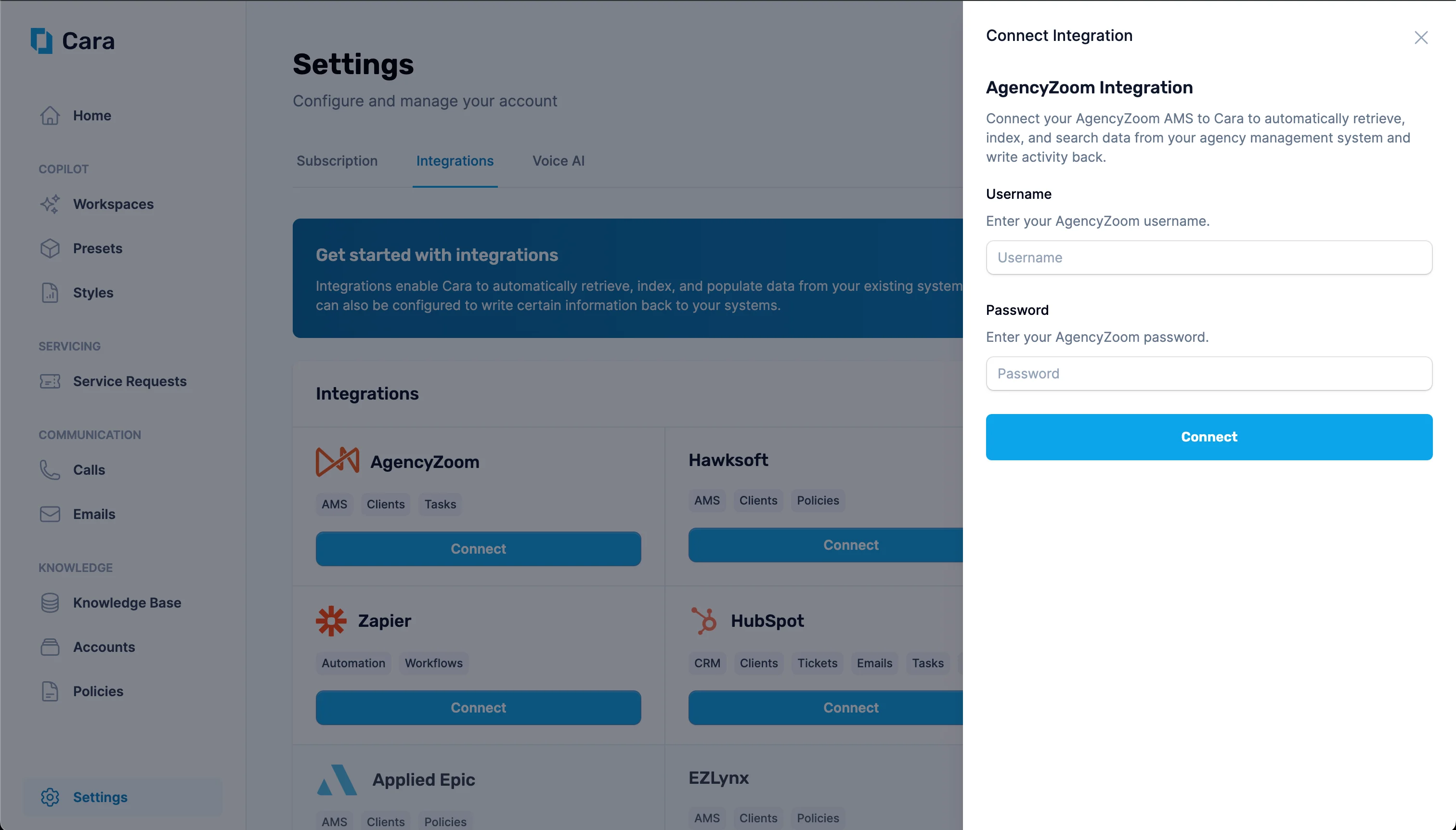
Enter the AgencyZoom username and password for the account you want Cara to use to read and write data to AgencyZoom.
2
Enter your credentials in Cara
Navigate to the Integrations tab in Cara and click on the “Connect” button on the “AgencyZoom” tile. Enter your username and password here and click Connect.
Enter your AgencyZoom API key to connect Cara
3
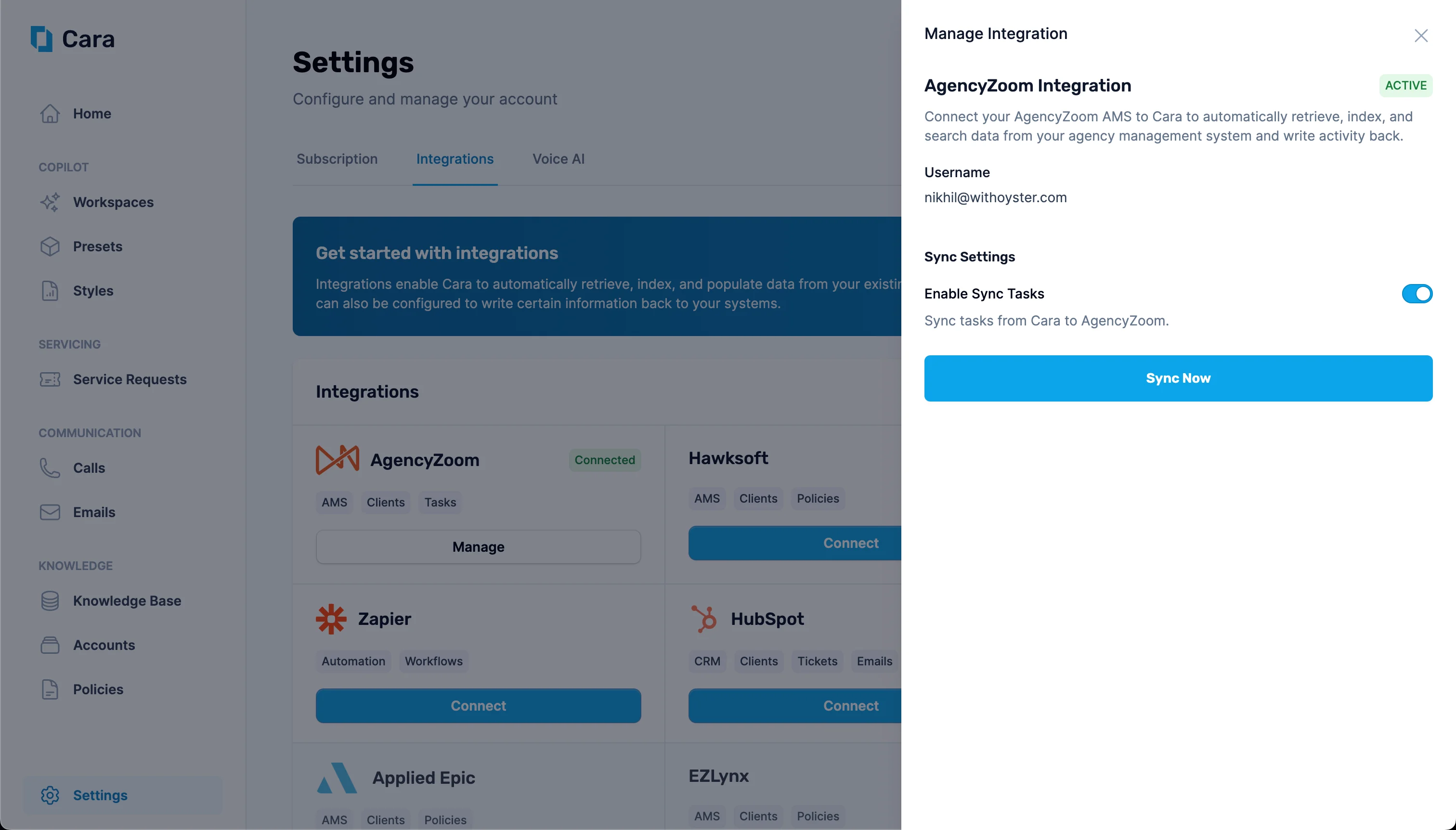
Choose your sync settings
Cara will now automatically read customer accounts, policies, notes, and tasks from AgencyZoom. You can also allow Cara to create tasks and accounts in AgencyZoom by enabling the appropriate toggles.