

Placeholders
Anywhere you see a gray placeholder with your company information, Cara will utilize that information unless you override it by typing in the field.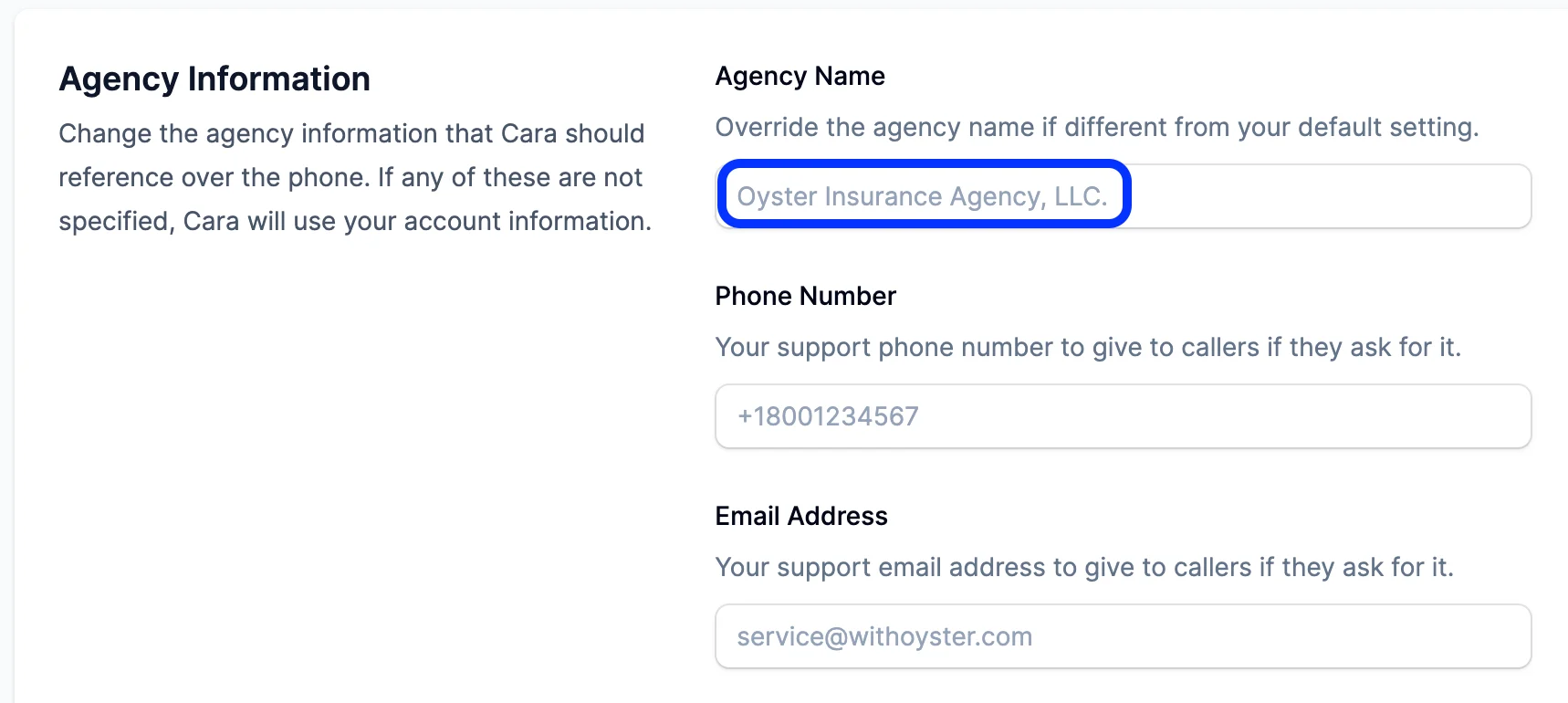
Introduction
Cara will always begin with your preferred greeting you input in in the Voice AI settings. Cara will default to “Hello! This is Cara from [your agency name]. How can I help you today?” You can add <customer_name> to the intro if you would like Cara to reference the customer’s name per the Intregrations and Tools.Required Information
Cara will typically collect this minimum required information before taking any action or performing any request specific items:- Collect Contact Info: The caller’s name is always required to be collected. Email and phone number can be added via the Voice AI settings.
- Exception: If Cara collected this from a prior call or has it available via an agency management system (AMS) integration then she will usually not collect it again.
- LOB: This will include two questions: 1) understanding if the call is about personal lines, business lines, or something else 2) understand who the named insured is on the policy or the expectant policy if it is a quote.
- Confirm transfer: Cara will confirm the caller wants to be transferred right now and then immediately proceed with the transfer once this has been confirmed. This is to prevent any mistaken transfers.
You cannot override this minimum required information through additional prompting.
Transfers
Cara will transfer in four scenarios during business hours pending any setting adjustments made in the Voice AI settings:- Specifically Asked: If the caller specifically asks for a named agent, any agent, or a human then Cara will attempt to transfer.
- Customer Frustration: If the caller sounds frustrated then Cara will attempt to transfer.
- New Quote: If the caller is looking for a new quote then Cara will attempt to transfer after collecting their contact information.
- Make a Payment: If the caller is looking to make a payment then Cara will attempt a transfer since Cara cannot collect payment details.
Cara will attempt a transfer sequence only once unless the caller is very insistent.
Non-Client Calls
Cara will typically handle non-client callers differently than insureds:- Business Partners: Regarding banks, underwriters, auditors, and other affiliated business partners to your operations, Cara will handle the calls more succinctly and prefers to take a service request or basic information rather than transferring unless the caller specifically asks to be transferred.
- Spam and Telemarketing Calls: Cara will typically attempt to take a concise message and will not allow a transfer if the caller is identified as spam. You can add prompting to the Global Custom Instructions to help Cara identify spam calls if you expect a segment of callers to be consistently outside of typical insurance operations.