

How it works
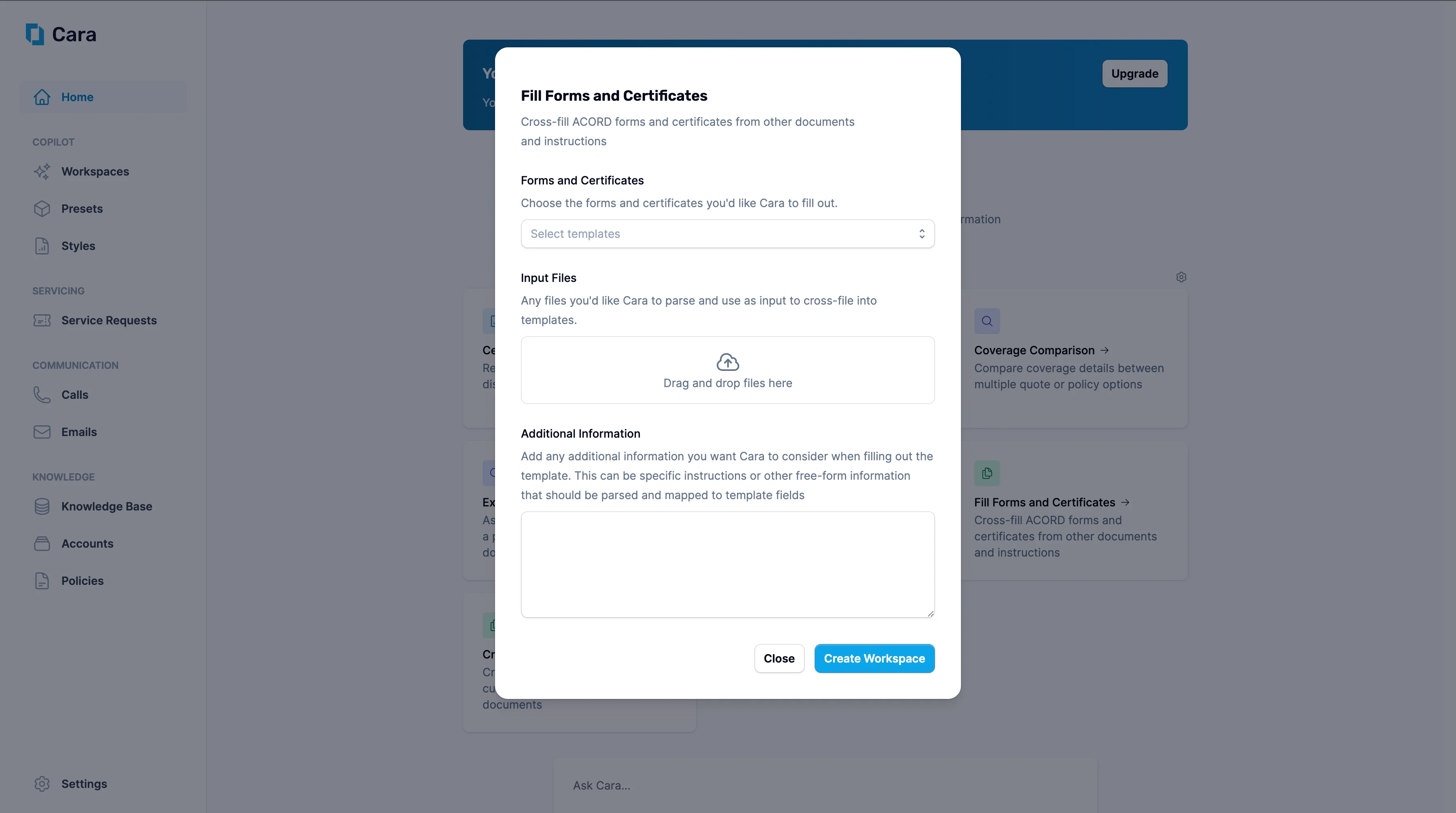
Fill Forms & Certificates
1
Upload documents
- Upload any relevant source materials—quotes, binders, policies, emails, or written instructions—in any format.
- Specify the form(s) or certificate(s) you need to complete (e.g., ACORD 25, ACORD 130, or a Certificate of Insurance).
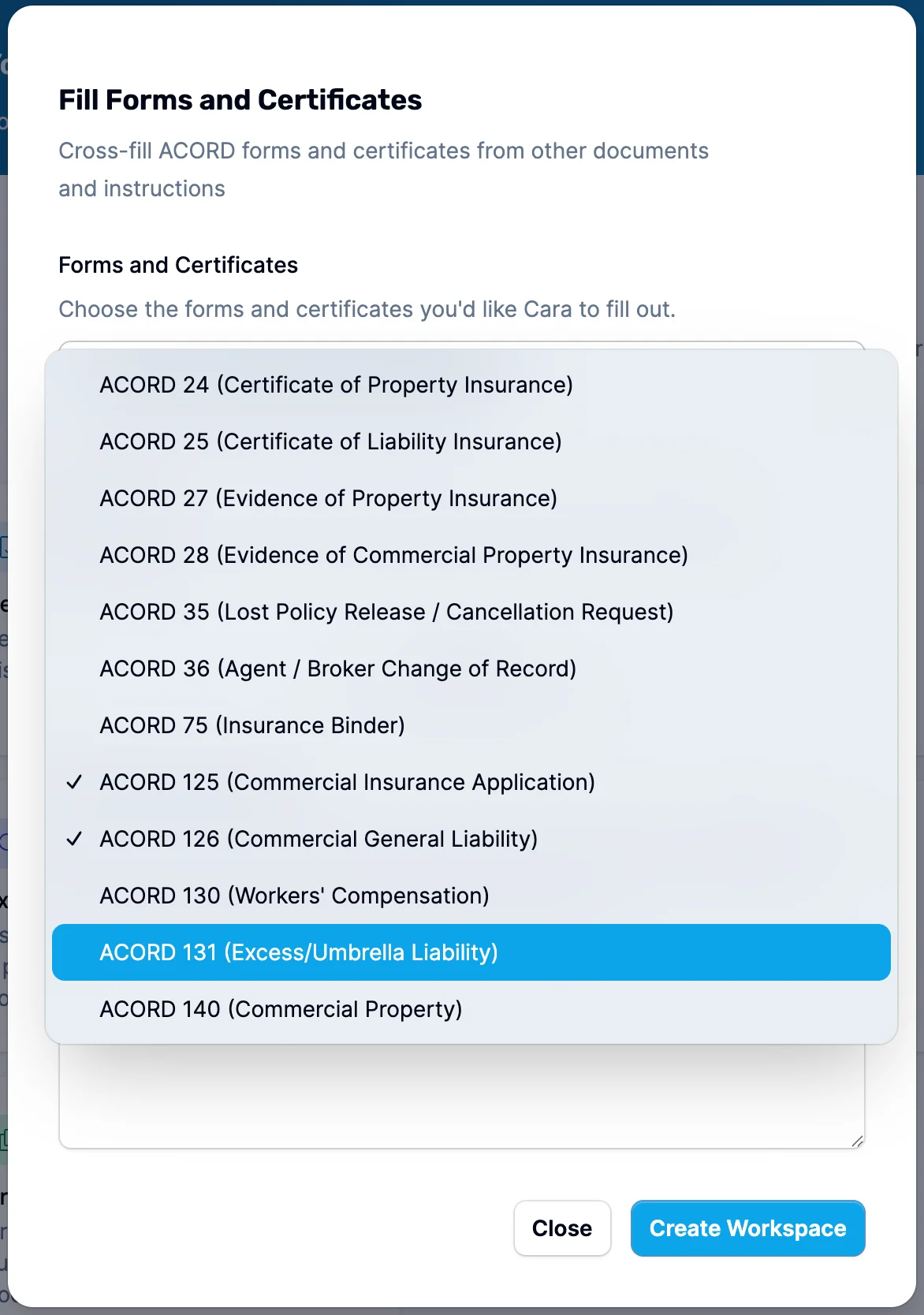
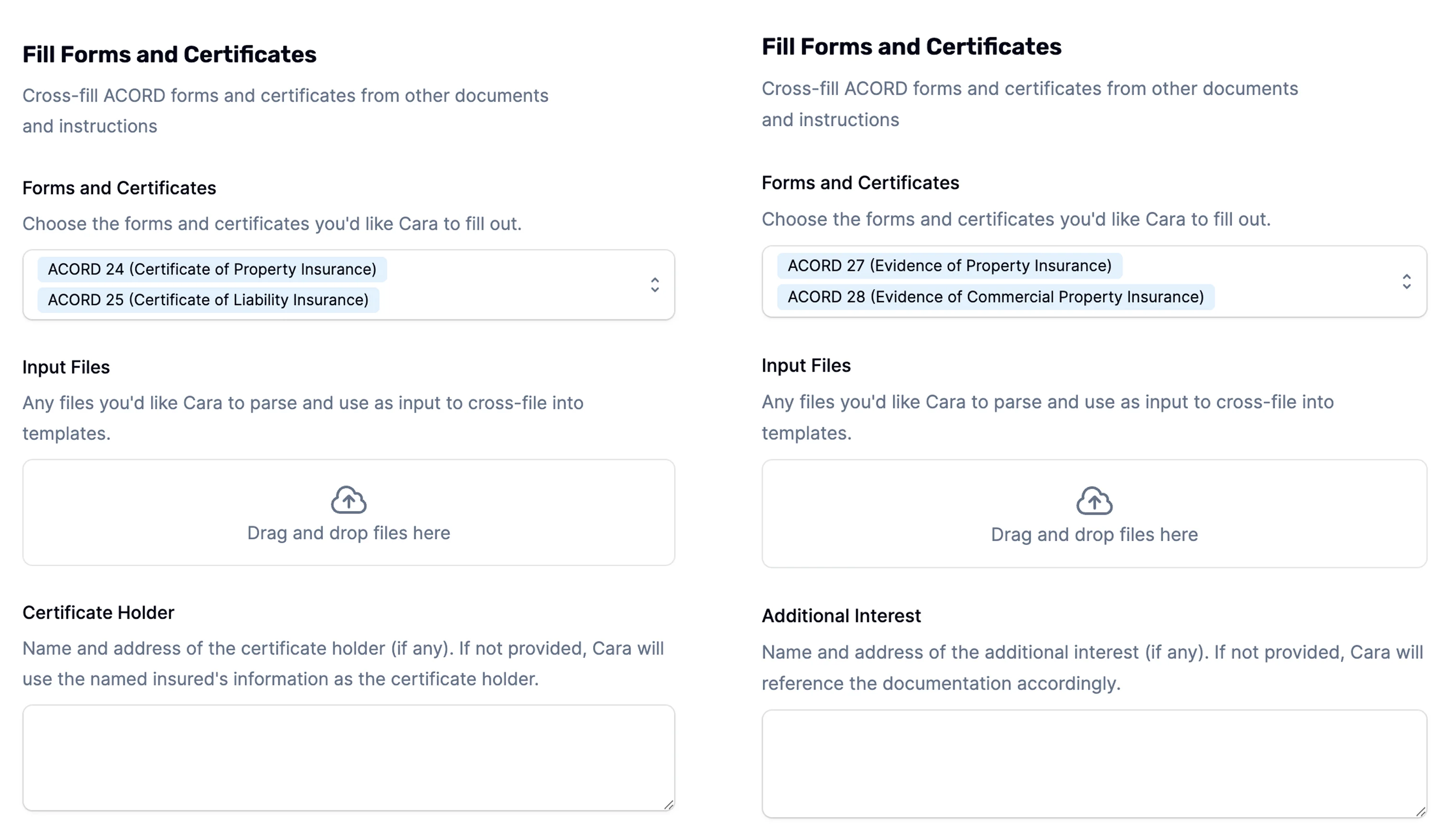
- Cara will automatically extract key information and populate the correct fields on the selected form(s). For each type of form, Cara may also prompt for additional information, for example:
- ACORD 24 & 25 – Name and address of the certificate holder (if omitted, Cara defaults to the named insured’s details).
- ACORD 27 & 28 – Name and address of the additional interest (if omitted, Cara will attempt to infer or flag for input).
2
Add Additional Instructions
You can also include Additional Information to guide how the forms are filled—e.g. “Use mailing address from binder,” or “Replace carrier name with program administrator.”
3
Click 'Create Workspace'
Once you click Create Workspace, Cara will:
- Generate a completed PDF of the form or certificate
- Include a summary of findings, highlighting anything important:
- Flag missing, ambiguous, or conflicting information
- Suggest likely values using historical data or public sources if something is missing
- Call out any instructions that were unclear or that may expose you to E&O risk
4
Next Steps
From here, you can ask Cara any kind of follow up. Common ones include:
- Edit the PDF directly if needed, or simply tell Cara what to change.
- Ask Cara to generate an email to send to the client
- Push the document back to your integrated AMS (e.g. Hawksoft, Momentum)
Supported ACORD forms
Cara supports generation of the following ACORD forms and certificates:
If you need a form that’s not listed, contact support@getcara.ai — new ACORD forms are added regularly.
Agency signature
Agencies with multiple producers can manage producer records and signatures directly in Cara. See Producer Management & Signatures for setup and per-document overrides.Slideout viewer New
Generated ACORD forms and certificates open in a slideout viewer rather than a new tab. The slideout keeps the workspace conversation visible while you review the completed form, and it exposes per-document controls without leaving the page:- Per-document signature selection — pick which producer signature to apply to this specific document (useful when the workspace produces several forms with different signers).
- Producer information override — swap the producer identity used on this document if it should differ from the agency-wide default.
- Download / re-generate — save the PDF or ask Cara to re-render with an updated style.